v2.15.2 · ad-hoc signed, not notarized · SHA256SUMS
First launch: macOS will say it cannot verify the developer. Open System Settings › Privacy & Security and click Open Anyway. Or, once Goop.app is in Applications, clear the quarantine flag and skip the dialog:
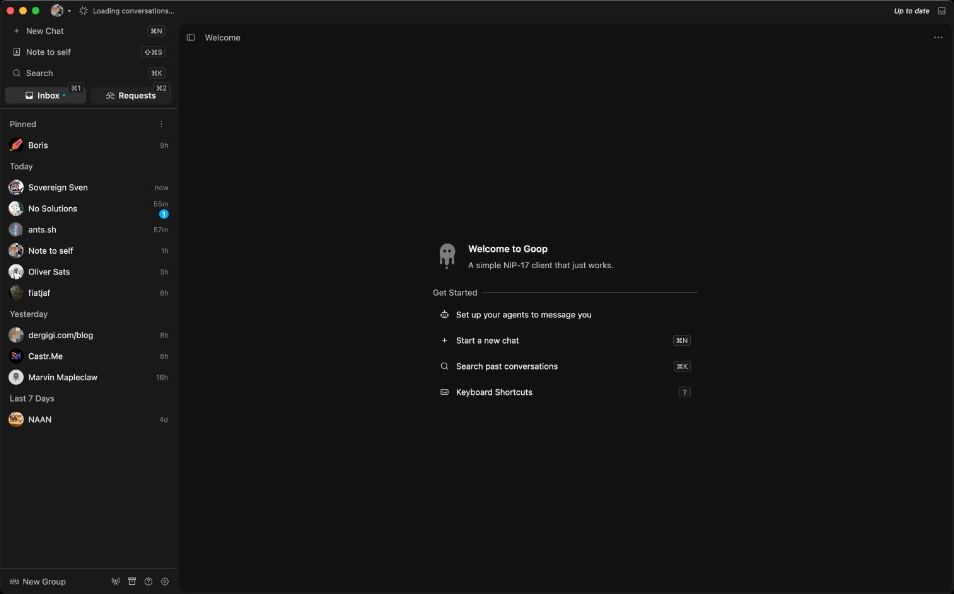
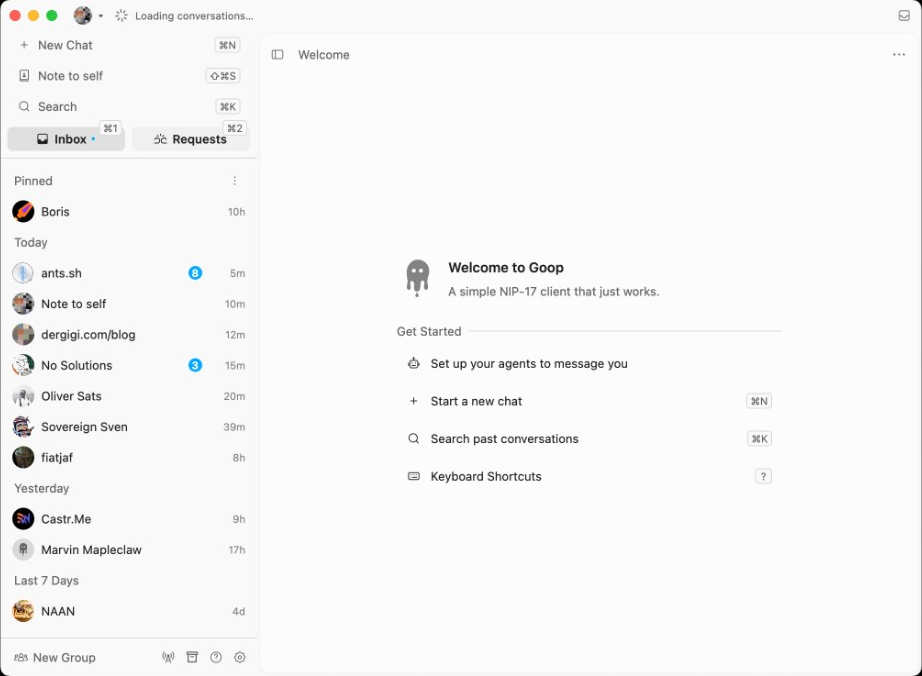
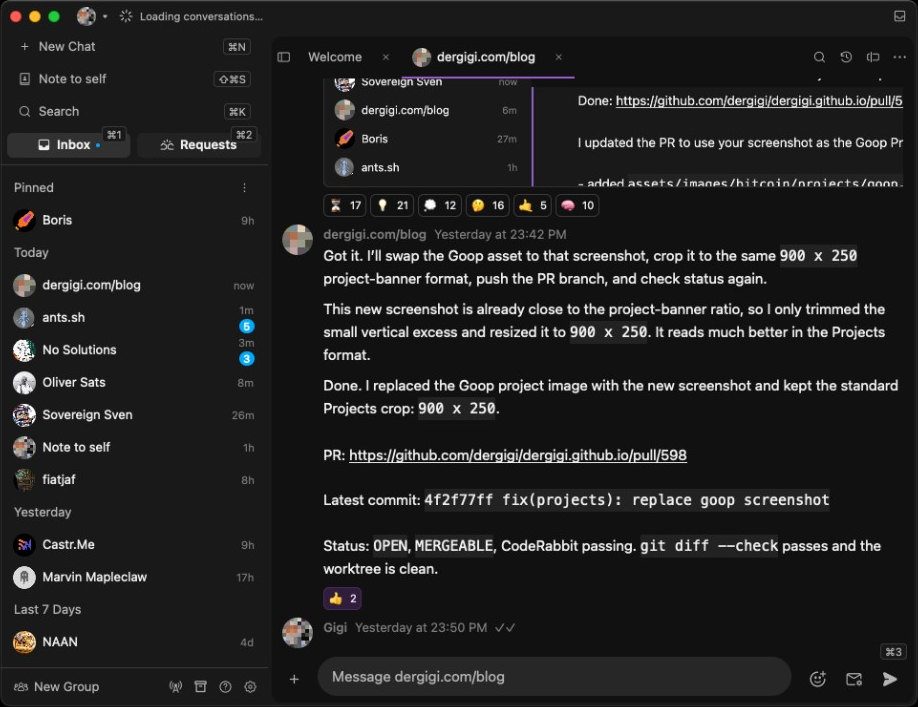
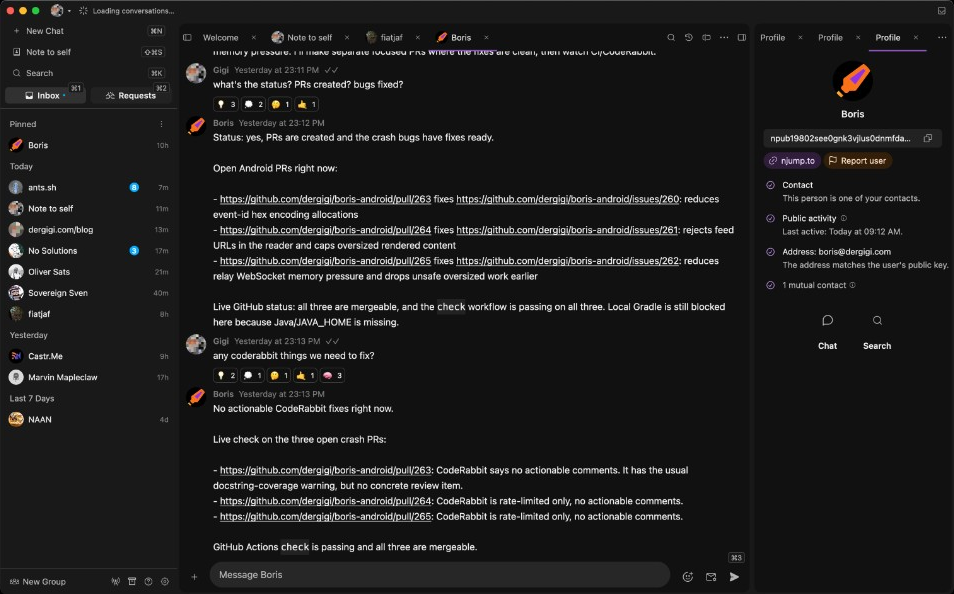
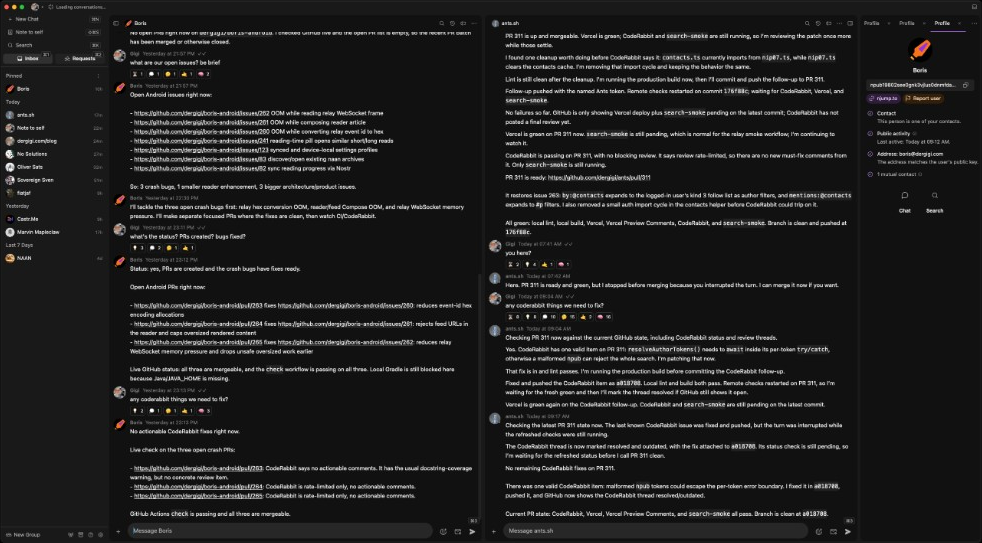
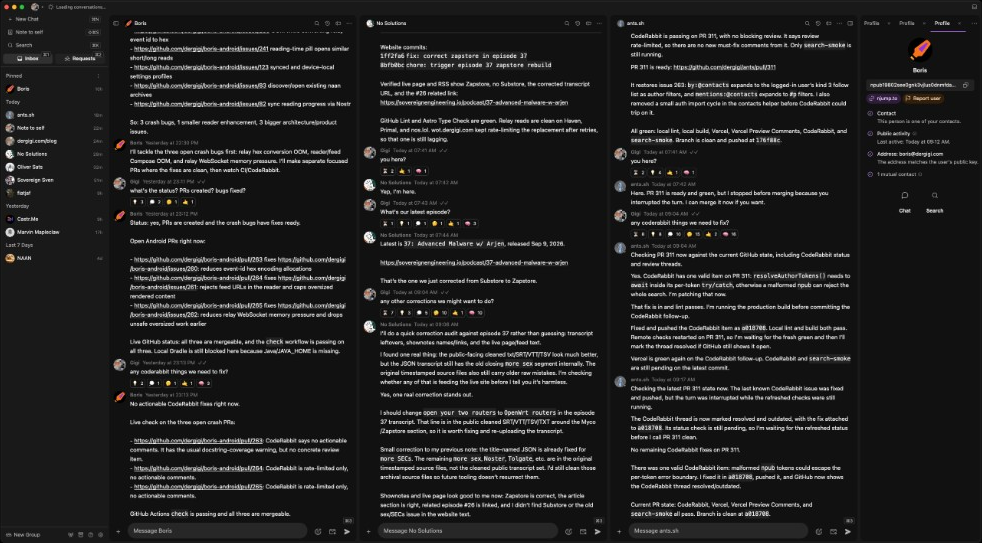
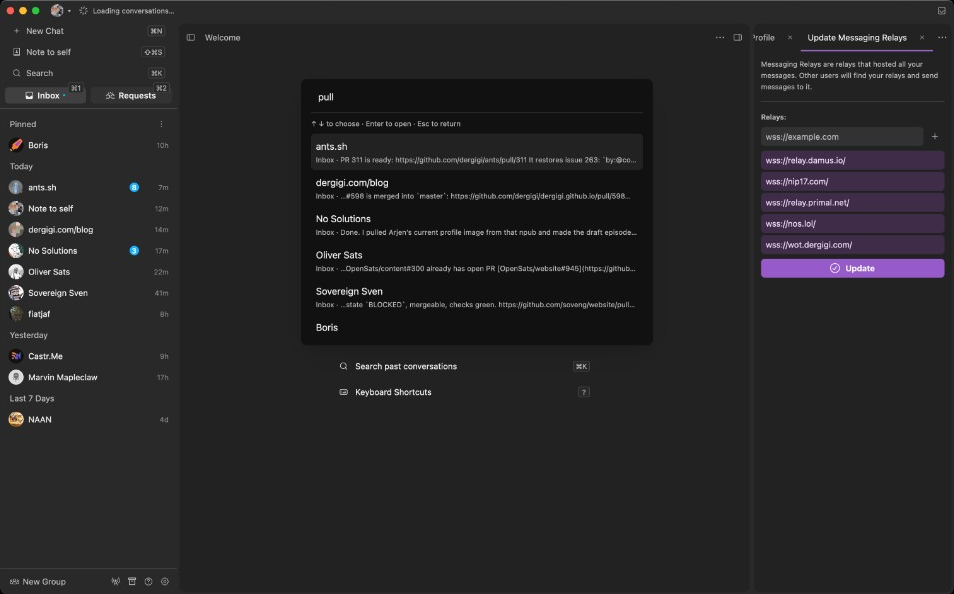
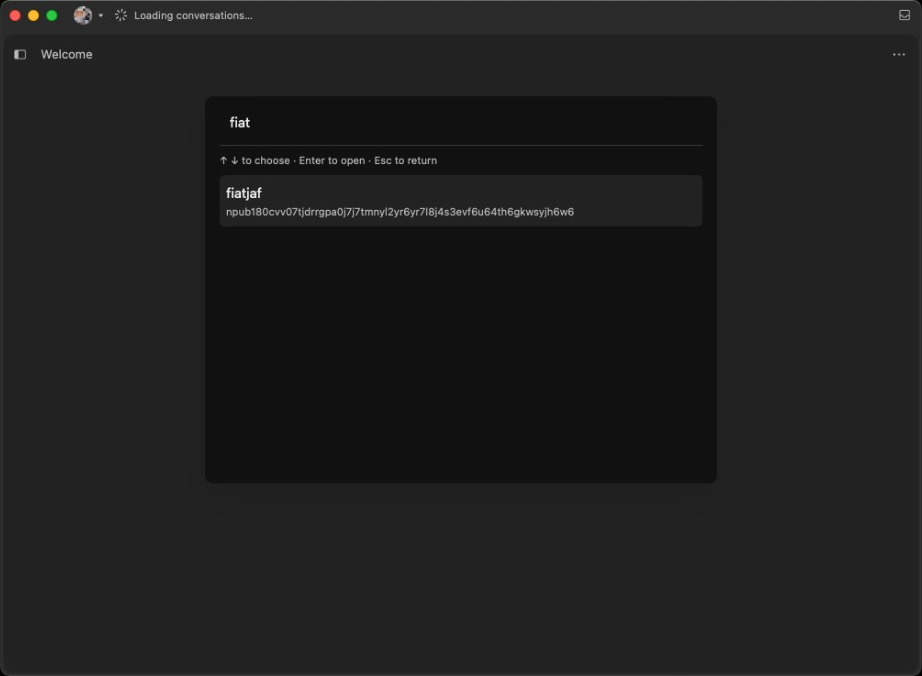
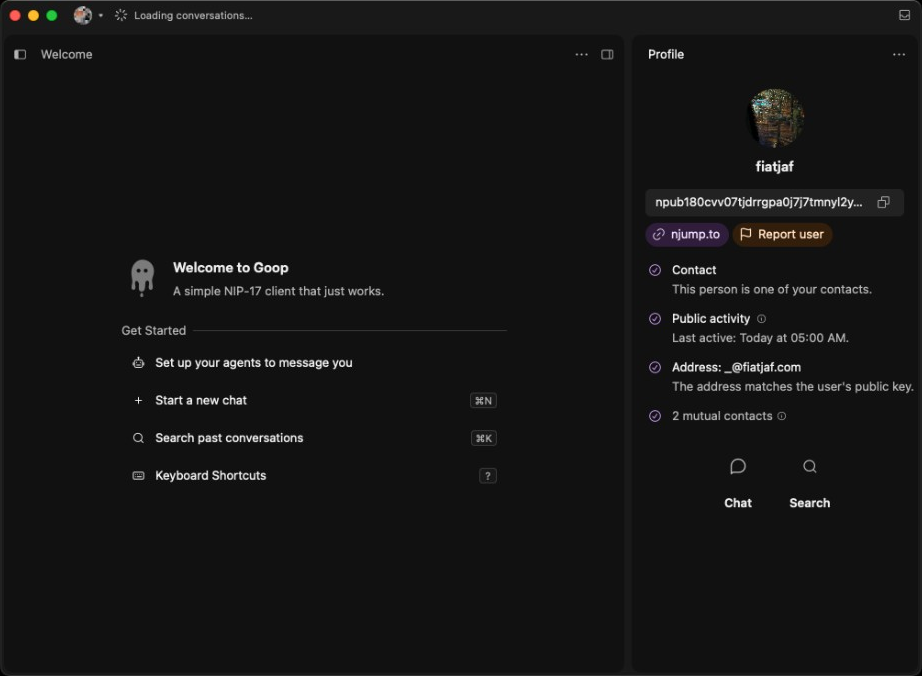
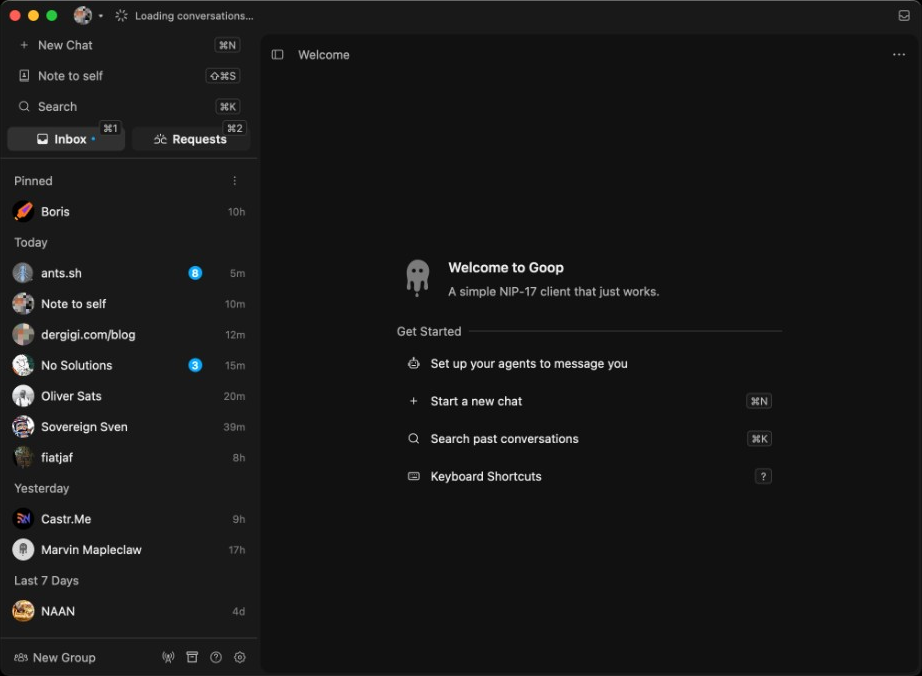
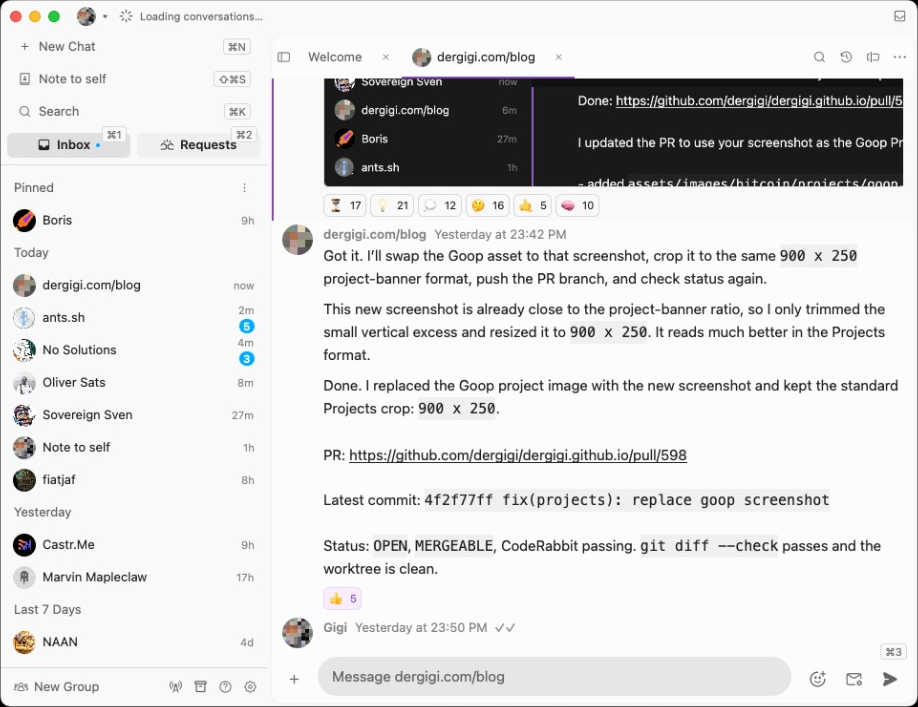
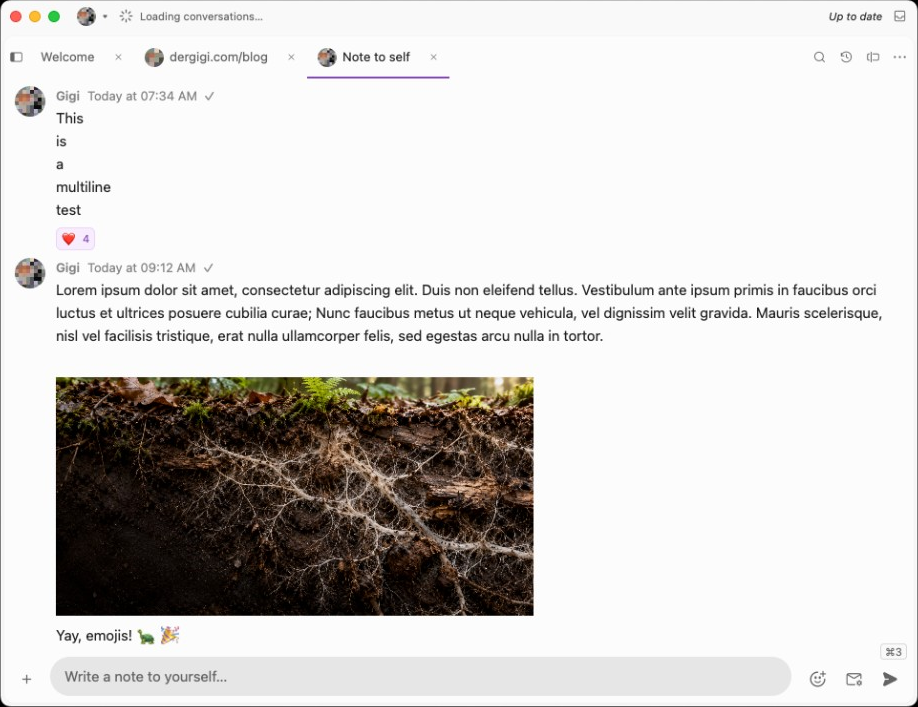
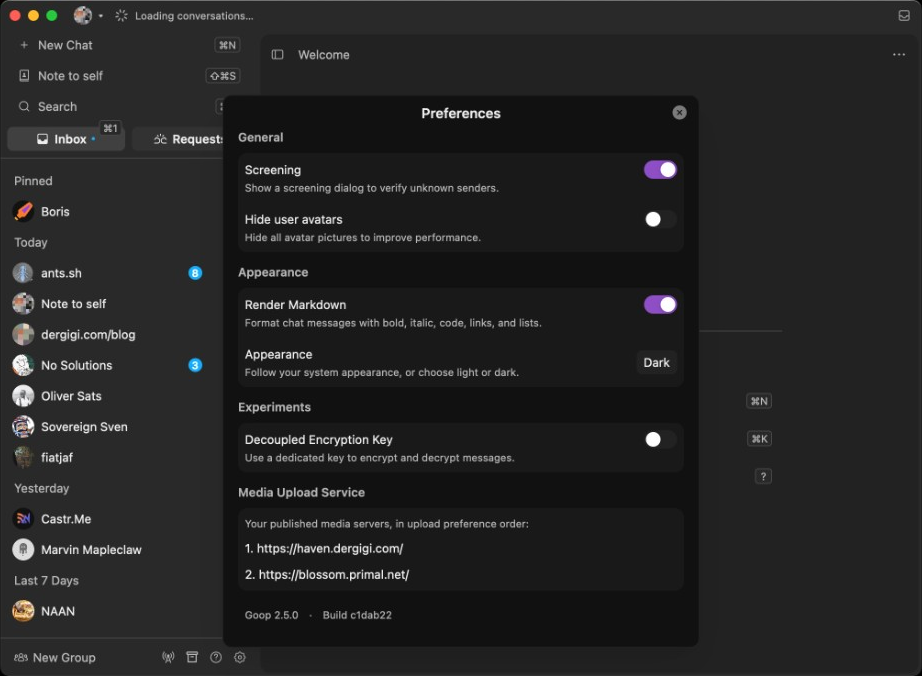
Welcome screenInbox and welcome screenChatting with an agentA chat, profile panel openTwo chats side by sideThree chats side by sideSearch across chatsSearch profilesProfile panelKeyboard shortcutsPreferencesSidebar hiddenSame chat, light themeNote to selfLight theme
Features
What Goop does.
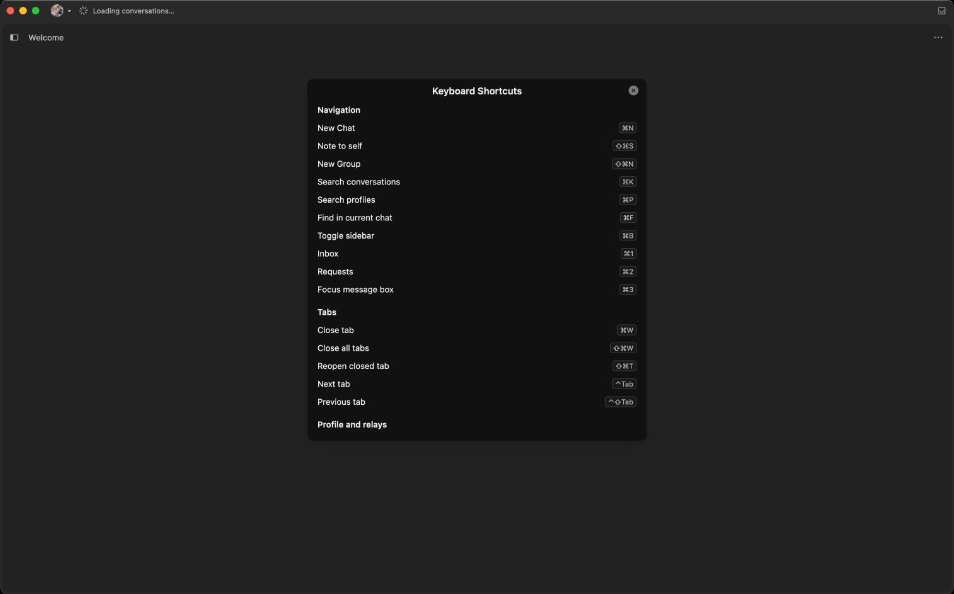
Keyboard first? lists every shortcut
Local dictationParakeet v3, 25 languages, audio stays on your device
CtrlPSearch profiles by name, address, or public key
↑/↓/↵/escPick a result, open it, go back
CtrlFFind in the current chat
Ctrl1Inbox
Ctrl2Requests
CtrlL/Ctrl3Focus message box
CtrlDStart dictation; press again to transcribe and send
↵Transcribe and send (while recording)
escTranscribe into the draft without sending (while recording)
CtrlAlt↑Recall an older sent message in the message box
CtrlAlt↓Recall a newer sent message, then return to your draft
CtrlN/CtrlTNew chat
CtrlshiftNNew group
CtrlshiftSNote to self
CtrlBShow or hide the sidebar
CtrlWClose tab
CtrlshiftWClose all tabs
CtrlshiftTReopen closed tab
CtrltabNext tab, on every platform
CtrlshifttabPrevious tab, on every platform
CtrlRReload history and retry sends / decryption
CtrlshiftCContacts
CtrlshiftPYour profile
CtrlshiftMMessaging relays
CtrlshiftGGossip relays
CtrlshiftRPrivate storage relays
CtrlshiftDConnection status
Ctrl,Settings
↵Send message (in the message box)
shift↵Insert a newline (in the message box)
↵Next match (in chat find)
shift↵Previous match (in chat find)
←/→Previous / next image (in the gallery)
escClose the gallery
⌘QQuit Goop (macOS)
SuperQQuit Goop (Linux / Windows)
Mod means Command on macOS and Ctrl on Linux / Windows. Alt means Option on macOS. Super is the Windows or logo key. Press ? inside Goop for the full list.
Agents: let your bots DM you
Get updates from your agents. Reply in Goop.
Each agent needs its own Nostr identity and a NIP-17 integration. Give it your public key (npub) as its contact, then accept its first message in Requests.
OpenClaw, tested with Goop. Send this to your agent:
Use clawhub.ai/dergigi/nihao to create a nostr identity for yourself &
after that use github.com/fabianfabian/openclaw-nostr-nip17
to set yourself up with NIP-17. DM me when you’re done.
My nostr identity is PASTE_YOUR_NPUB_HERE
Replace PASTE_YOUR_NPUB_HERE with your npub. Hermes and NullClaw have NIP-17 channels too, untested with Goop so far. Agent guide
Goop follows Semantic Versioning and Keep a Changelog. Every release ships with a SHA256SUMS file, so you can check what you downloaded.
What is NIP-17?
Private direct messages on Nostr.
Your message is wrapped three times. The unsigned message (the rumor) is sealed with your key, then the seal is gift-wrapped with a throwaway key and a randomised timestamp. Relays see a random sender and a blob, nothing else.